
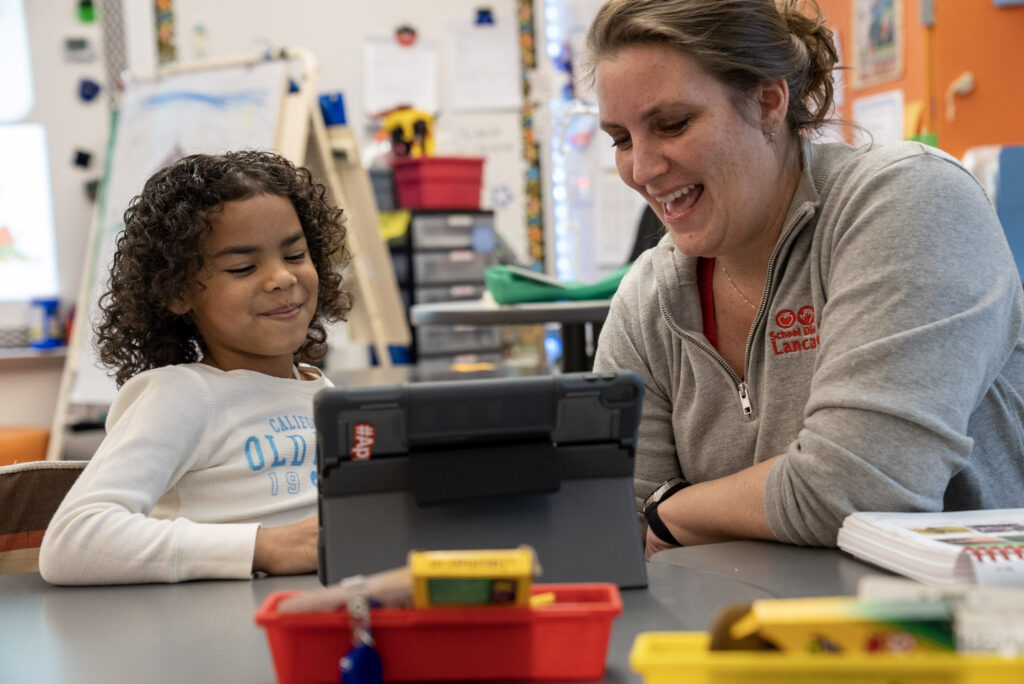
Navigating school technology at home can sometimes feel tricky, and we are here to help.
Below are simple instructions for caregivers to access our main learning platforms, Seesaw and Schoology, along with step-by-step directions for using the tools students may be asked to work with in Seesaw and Classkick during a Flexible Instructional Day (FID).
These guides (below in English and Spanish on the second page) are designed to help caregivers support students in logging in finding assignments and submitting work successfully.
Navigating Seesaw (Elementary)
Accessing Seesaw and Microsoft Teams (Elementary)